

Kasa KP125M Review: The Matter Smart Plug With Energy Monitoring That Works With Everything
November 19, 2026 | by Deyvid
Disclosure: Tech Purchase Guide is reader-supported. When you buy through links on this page, we may earn an affiliate commission at no extra cost to you. As an Amazon Associate, we earn from qualifying purchases.
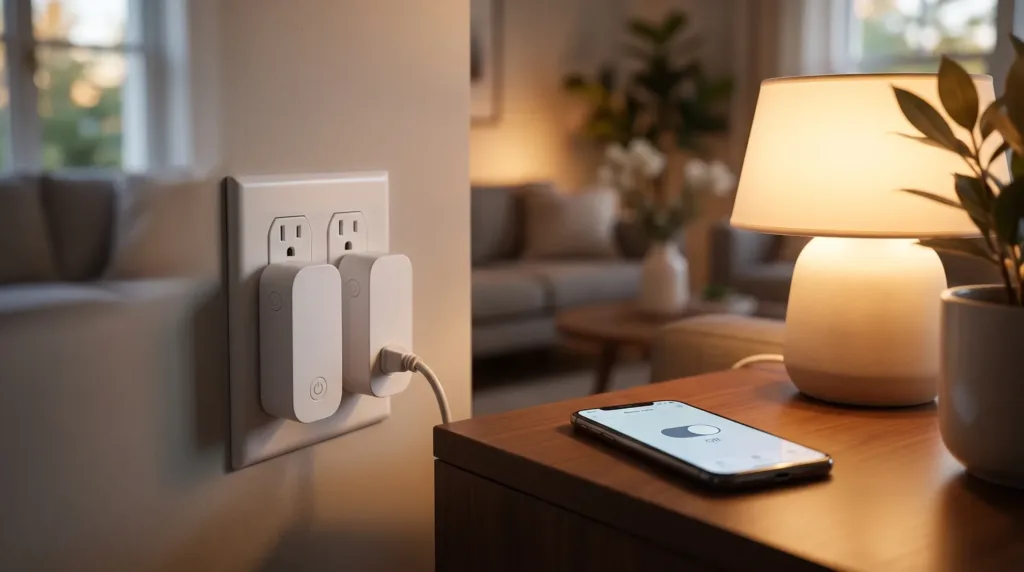
A smart plug is the easiest and cheapest way to start a smart home: plug in a lamp, a fan or a coffee maker and you can control it from your phone, by voice or on a schedule. The Kasa KP125M from TP-Link stands out because it is Matter certified, which means it works with Apple Home, Amazon Alexa, Google Home and other Matter platforms, and it adds energy monitoring to show how much electricity your devices use.
Here is everything you need to know before you buy.
Note: this review is based on TP-Link’s official specifications, retailer listings and published independent reviews. We have not run our own lab measurements.
Kasa KP125M at a Glance
| Smart home standard | Matter certified |
| Works with | Apple Home (Siri), Amazon Alexa, Google Home, Samsung Bixby and other Matter platforms |
| Hub required | No (a Matter controller such as an Echo, Nest or HomePod is recommended for Matter features) |
| Max load | 15 A, 1,800 W (resistive load), 1/6 HP motor |
| Voltage | 100-120 V, 50/60 Hz (US plug) |
| Energy monitoring | Real-time and historical usage, bill estimates |
| Automation | Schedules, Away Mode, scenes and groups |
| Size | 2.6 x 1.5 x 1.6 in (66.5 x 38 x 40 mm), two fit in one outlet |
| Certifications | UL, FCC, IC, RoHS; flame-retardant V-0 housing |
| Packs | 2-pack and 4-pack |
Why Matter Matters
Before Matter, many smart plugs only worked with one or two ecosystems. If you switched from Alexa to Apple Home, you often had to replace your devices. Matter is a shared smart home standard backed by Apple, Amazon, Google and Samsung, so a Matter device like the KP125M can be added to any of those platforms, and even to more than one at the same time.
Setup is simple: you scan the Matter code with the Alexa, Google Home or Apple Home app, and the plug joins your home. You can also use TP-Link’s Kasa app, which unlocks extra features like detailed energy stats.
Energy Monitoring
This is the feature that separates the KP125M from basic smart plugs. In the Kasa app you can see the real-time and historical power use of whatever is plugged in, and estimate how much it costs based on your electricity rate, including time-of-use pricing. It can also turn a device off automatically if its power draw goes above a limit you set.
It is a handy way to find out how much a space heater, a gaming PC or an old refrigerator in the garage actually costs to run.
Design and Practical Use
The KP125M is slim enough that two plugs fit in a standard duplex outlet without blocking each other. It handles up to 15 A and 1,800 W, which covers lamps, fans, small appliances and most electronics. As with any smart plug, it simply switches power on and off, so it is not a dimmer and it is not meant for devices that need a long startup sequence.
Useful automations include:
- Schedules: turn on a lamp at sunset or a coffee maker before you wake up.
- Away Mode: randomly switches lights on and off to make your home look occupied while you travel.
- Scenes and groups: combine the plug with other Matter devices for one-tap or voice control.
Pros and Cons
Pros
- Matter certified: works with Apple Home, Alexa and Google Home
- Energy monitoring with bill estimates
- Slim design, two fit in one outlet
- No hub needed, UL certified
- Sold in affordable multi-packs
Cons
- Indoor use only
- Detailed energy features require the Kasa app
- Some reviewers found Apple Home connectivity more reliable with a HomePod or Apple TV as a home hub
Start your smart home for less
Smart plug multi-packs are one of the most popular holiday deals. Check today’s price on the Kasa KP125M.
Who Should Buy the Kasa KP125M?
Buy it if you want a reliable smart plug that works with any major smart home platform, especially if you use Apple Home, or if you want to track how much energy your devices use.
Skip it if you only need simple on/off control with Alexa and no energy data; a more basic plug will do. For outdoor lights, choose an outdoor-rated plug instead.
Build Out Your Smart Home
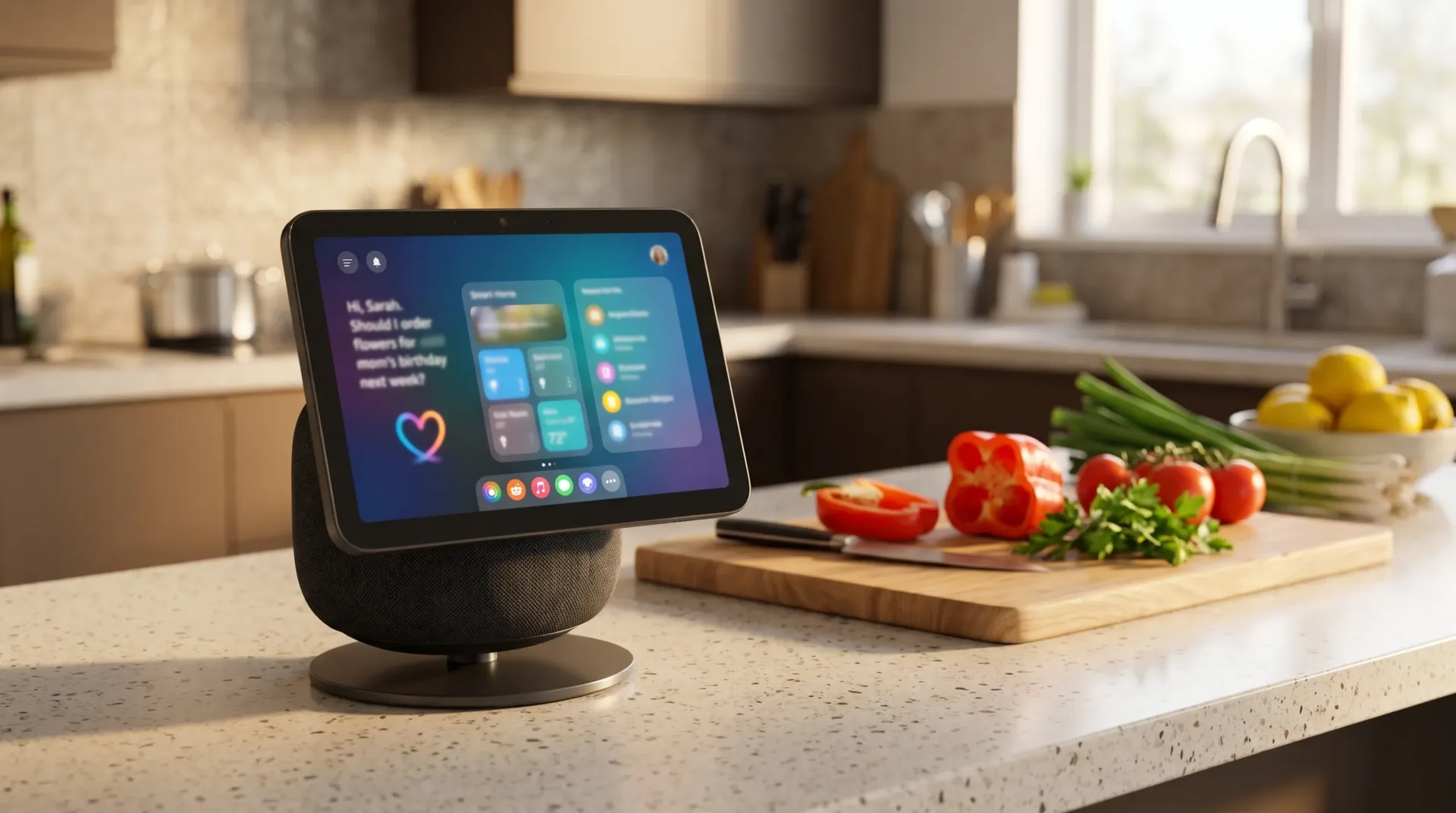
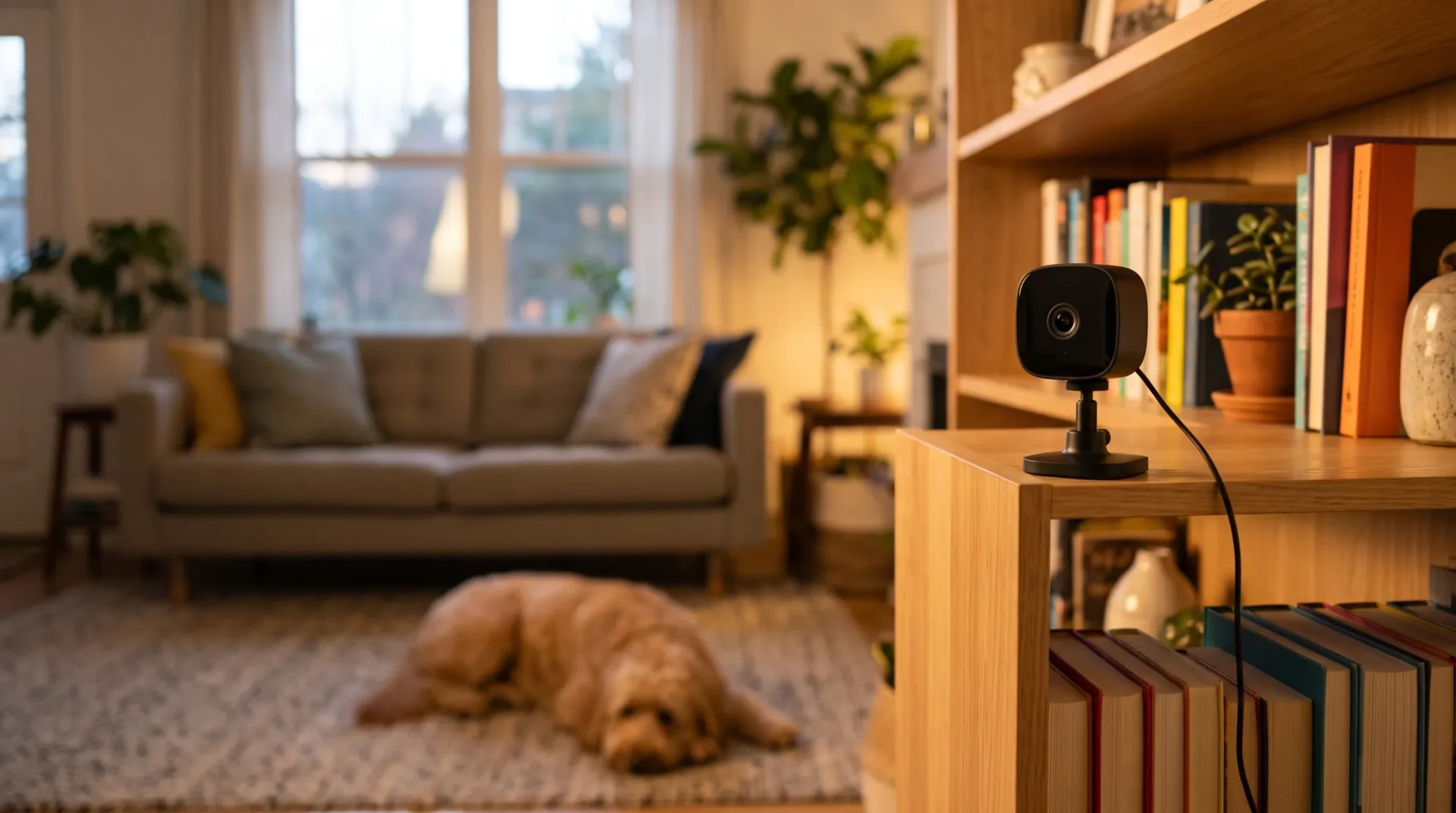
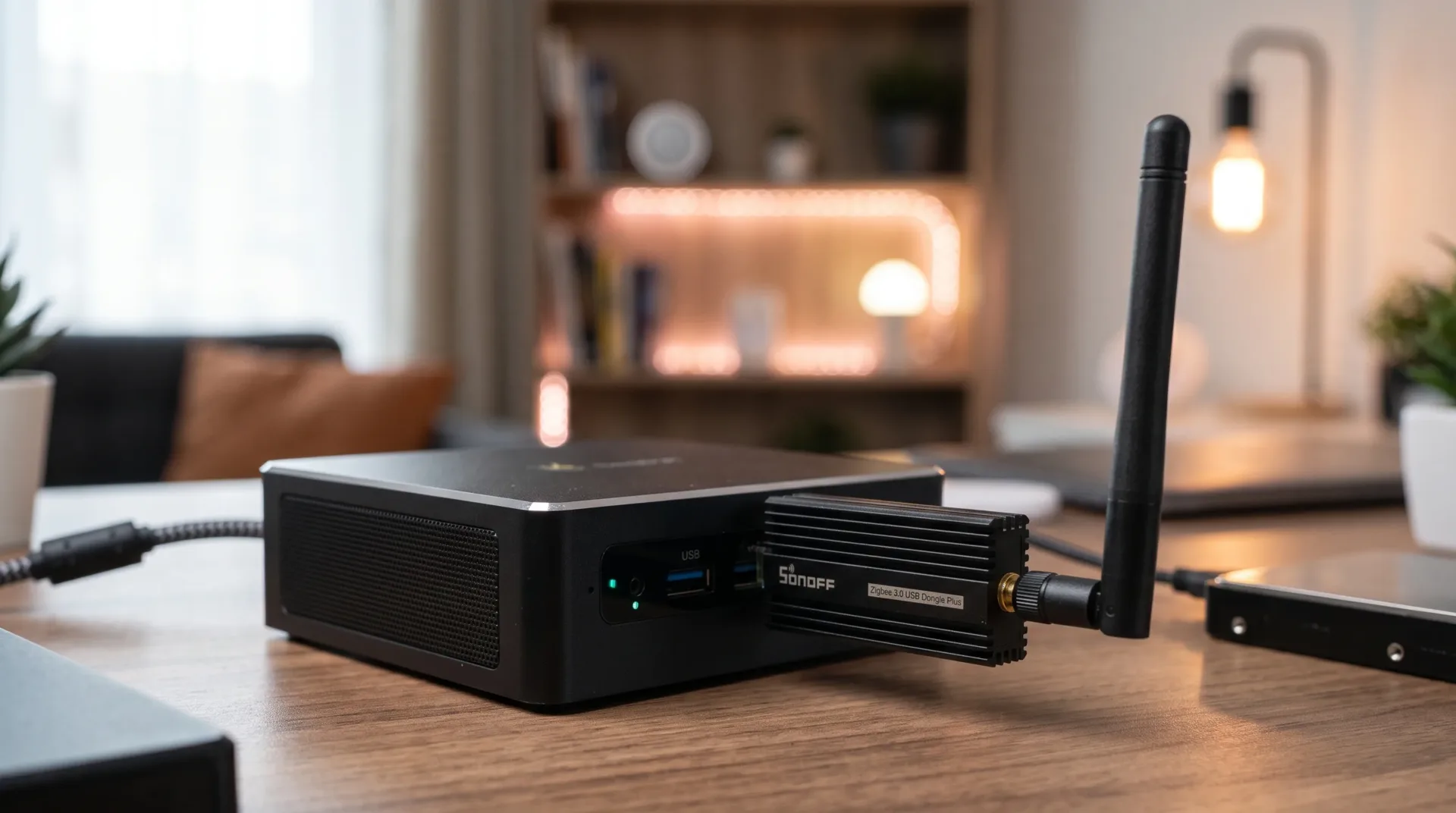
A smart plug pairs nicely with a smart display like the Echo Show 8 (2025), which can control it by voice or touch, and with an indoor camera like the Blink Mini 2K+. If you run Home Assistant with Zigbee devices, see our SONOFF ZBDongle-P review.
Smart Ways to Use a Smart Plug
- Lamps: schedule them to turn on at sunset and off at bedtime.
- Coffee makers and kettles with mechanical switches: have them ready when you wake up.
- Holiday lights: set a schedule and forget about them.
- Away mode: turn lights on and off at random times while you are traveling.
- Standby power: cut power to TV setups and gaming consoles overnight.
Using Energy Monitoring to Save Money
Energy monitoring shows how much electricity each device uses. Plug in older appliances, such as a garage fridge, a dehumidifier or a space heater, and watch their use for a week. You may find a device that costs far more to run than you expected. It also helps you confirm that devices really turn off when they should.
Safety Notes
Check the plug’s maximum rated load before connecting high-power appliances, and follow the manufacturer’s guidance about heaters. Do not plug smart plugs into power strips or extension cords that are already heavily loaded, and keep them indoors unless the model is rated for outdoor use.
Setup Tips
- Set it up near your router first, then move it to its final location.
- Use the 2.4 GHz Wi-Fi network if your router splits bands.
- Give each plug a clear name, such as “Living room lamp”, for easy voice commands.
Matter Smart Plug or Zigbee Plug?
A Matter-over-Wi-Fi plug like the KP125M works directly with Alexa, Google Home and Apple Home without any extra hub, which makes it ideal for beginners. Zigbee plugs need a hub but also strengthen a Zigbee mesh for sensors. If you already run Home Assistant with a Zigbee coordinator, our SONOFF ZBDongle-P review explains that route.
Frequently Asked Questions
Does the Kasa KP125M work with Apple HomeKit?
Yes. Thanks to Matter, it can be added to the Apple Home app and controlled with Siri. A HomePod or Apple TV acting as a home hub is recommended for remote access and reliability.
Does it need a hub?
No dedicated TP-Link hub is required. To use Matter, you need a Matter controller, which many people already have, such as an Echo speaker, a Google Nest device or a HomePod.
Does the Kasa KP125M monitor energy use?
Yes. It shows real-time and historical power consumption in the Kasa app and can estimate your energy costs.
Can I use it with a space heater?
It is rated for up to 15 A and 1,800 W resistive loads, but always check your heater’s rating and the manufacturer’s safety guidance, and never exceed the plug’s limits.
Can I use it outdoors?
No. The KP125M is designed for indoor use only.
Can a smart plug save energy?
Yes. Schedules and energy monitoring help you cut standby power and spot devices that use more electricity than expected.
RELATED POSTS
View all

Echo Show 8 (2025) Review: Amazon’s Smart Display Gets a Real Redesign
November 18, 2026 | by Deyvid
Blink Mini 2K+ Review: Amazon’s Tiny Security Camera Gets Sharper
October 24, 2026 | by Deyvid
SONOFF ZBDongle-P Review: The Best Zigbee USB Dongle for Home Assistant?
October 24, 2026 | by Deyvid